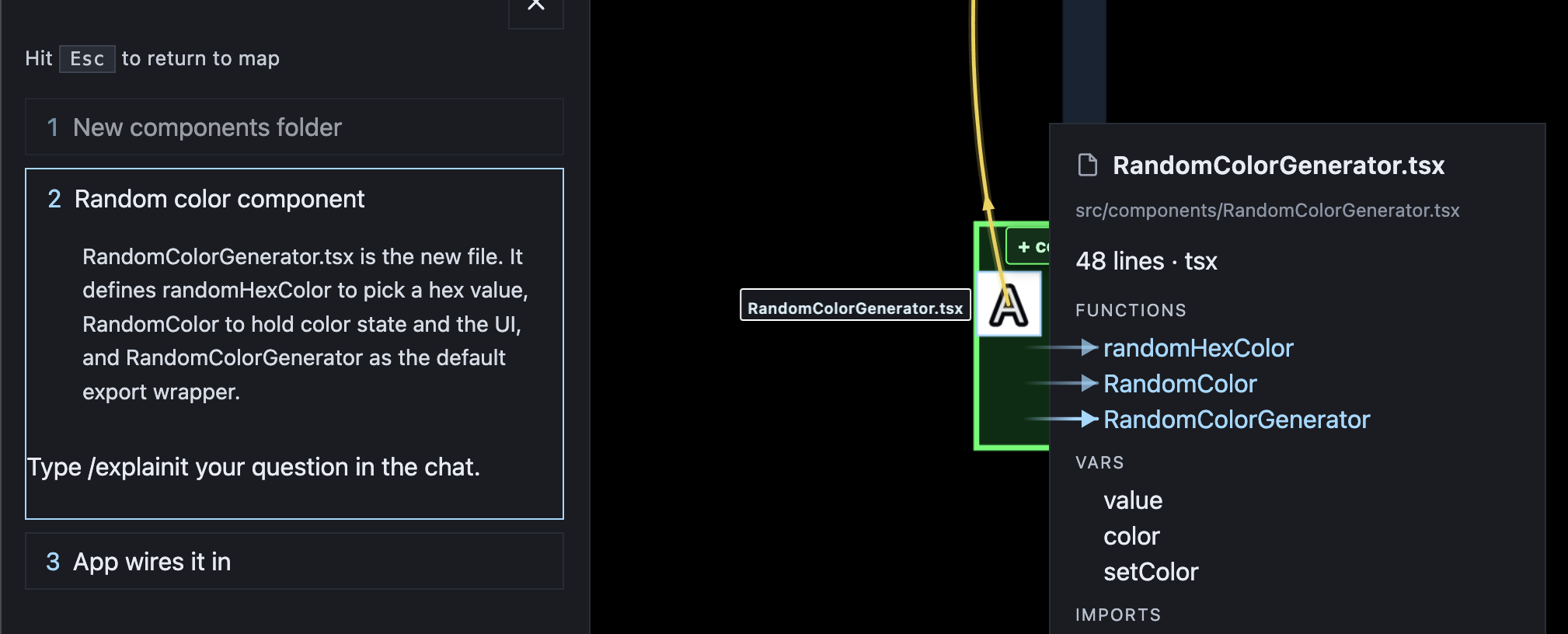
Explain mode
Explain mode walks a question on the map. It does not edit project files or start the next plan step.
From a question
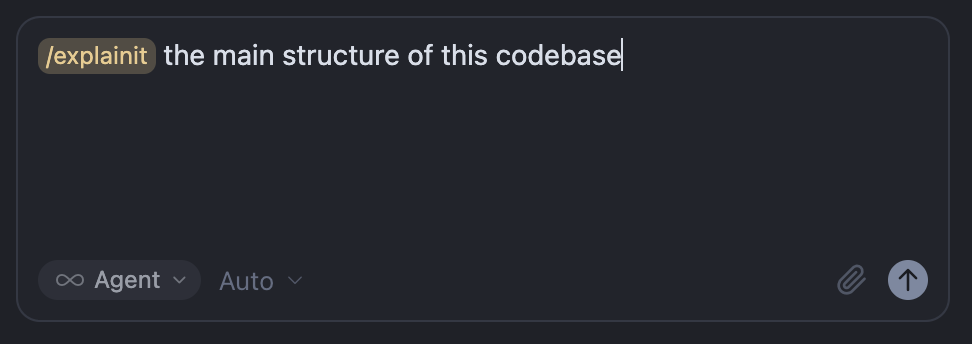
Type /explainit with a question while the map is open — for example the main structure of the codebase:
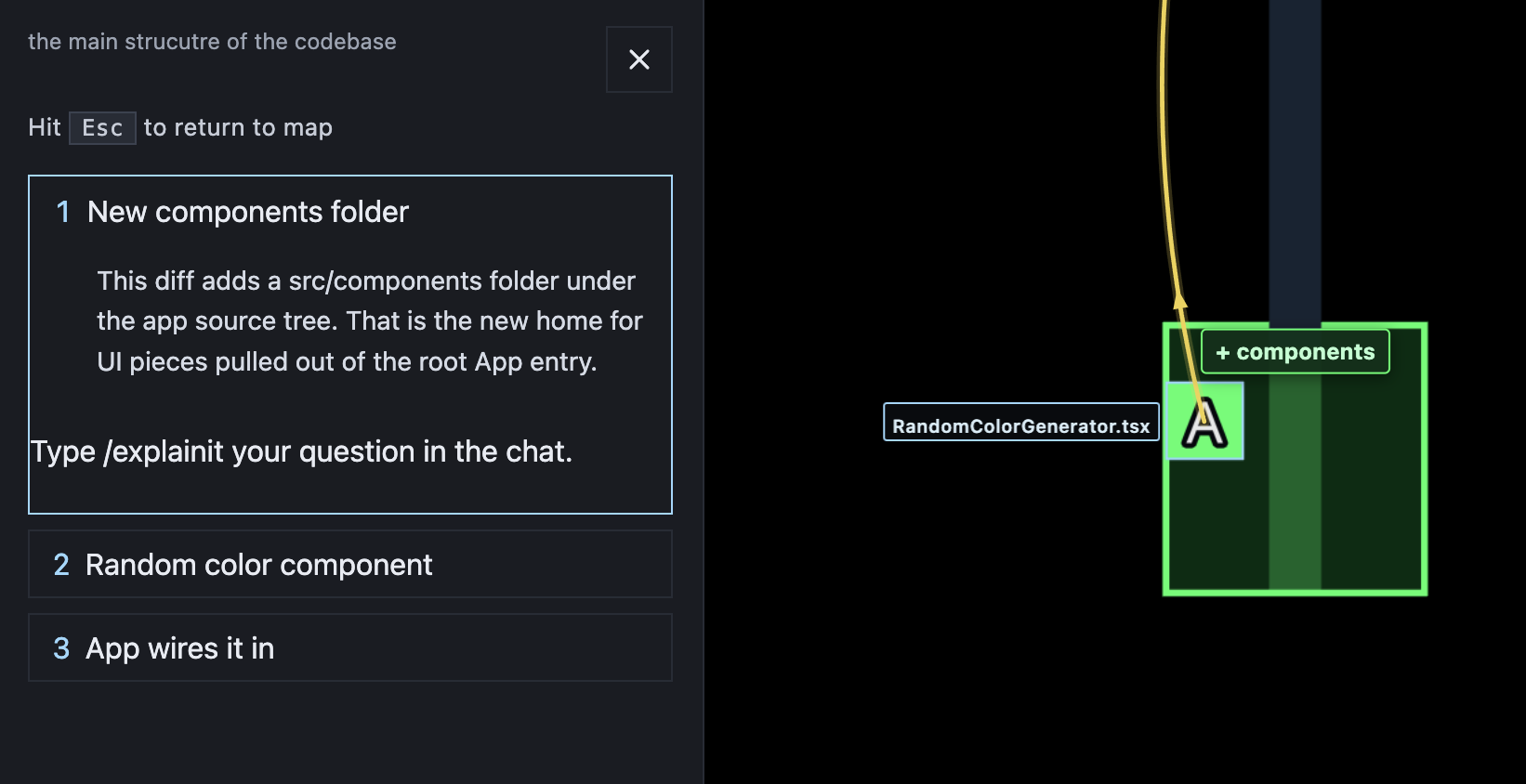
The HUD hides and an X exits. The LLM publishes an explanation you step through in the overlay. Each step can focus a folder or file on the map:
A later step can open the file info panel, highlight classes, functions, and vars, and draw arrows to the symbols it names: