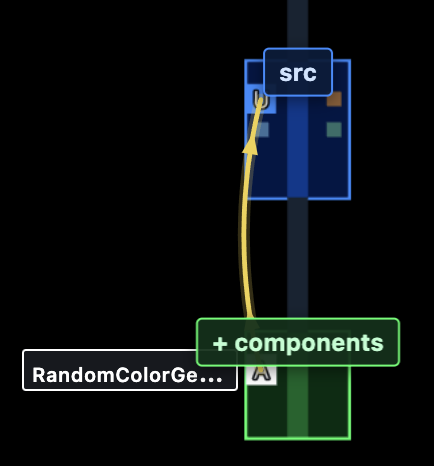
Starting a LLM session
When you start an LLM session — for example /coral build a random color generator component — the chat attaches to that color and the session window opens on the map. /inbase does the same for the next empty slot. /connect does the same for the first enabled blueprint:
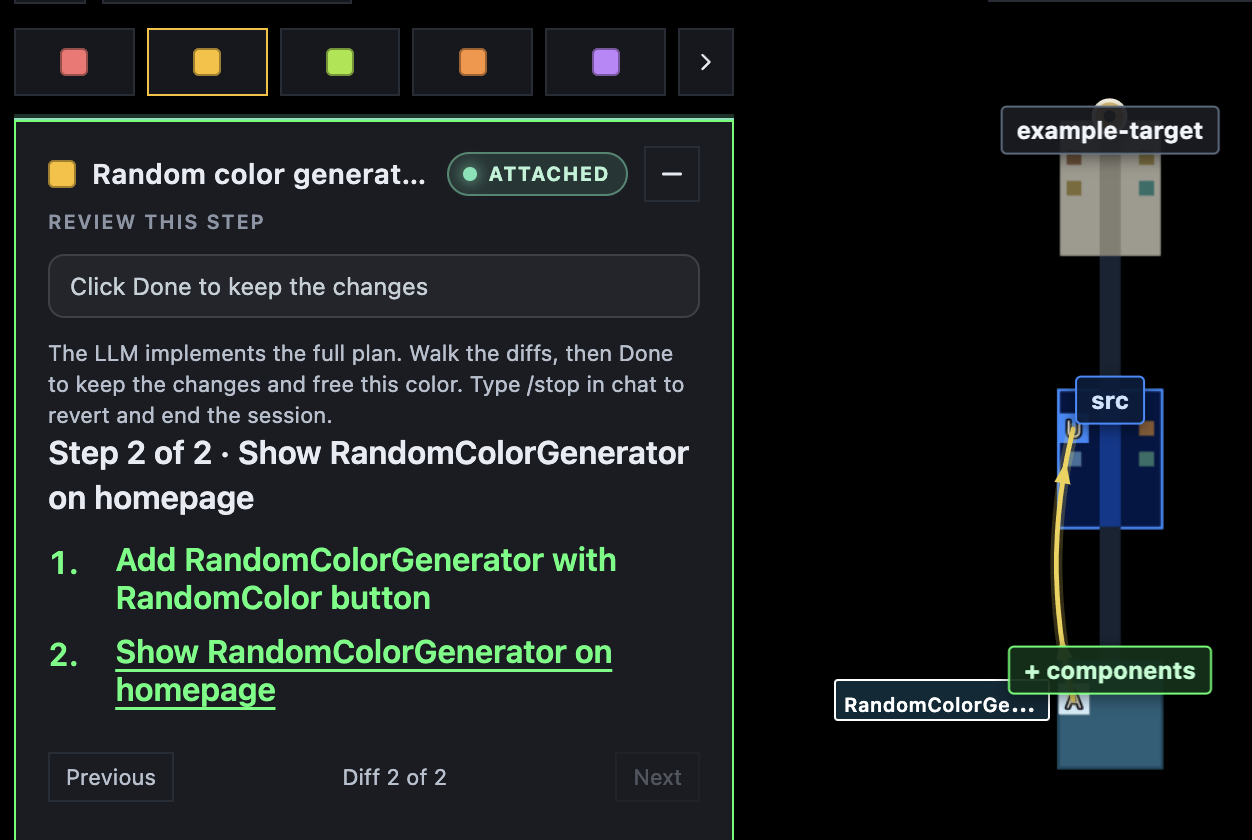
The LLM reads this color’s blueprint and plans sequential steps for the implementation. Each step is visualized on the map so you can see what changed.
You can keep chatting in the same thread to steer the work in a different direction whenever you want.
When the work is applied, click Clear to remove the blueprint overlay. The new files stay on the map: