Walk mode
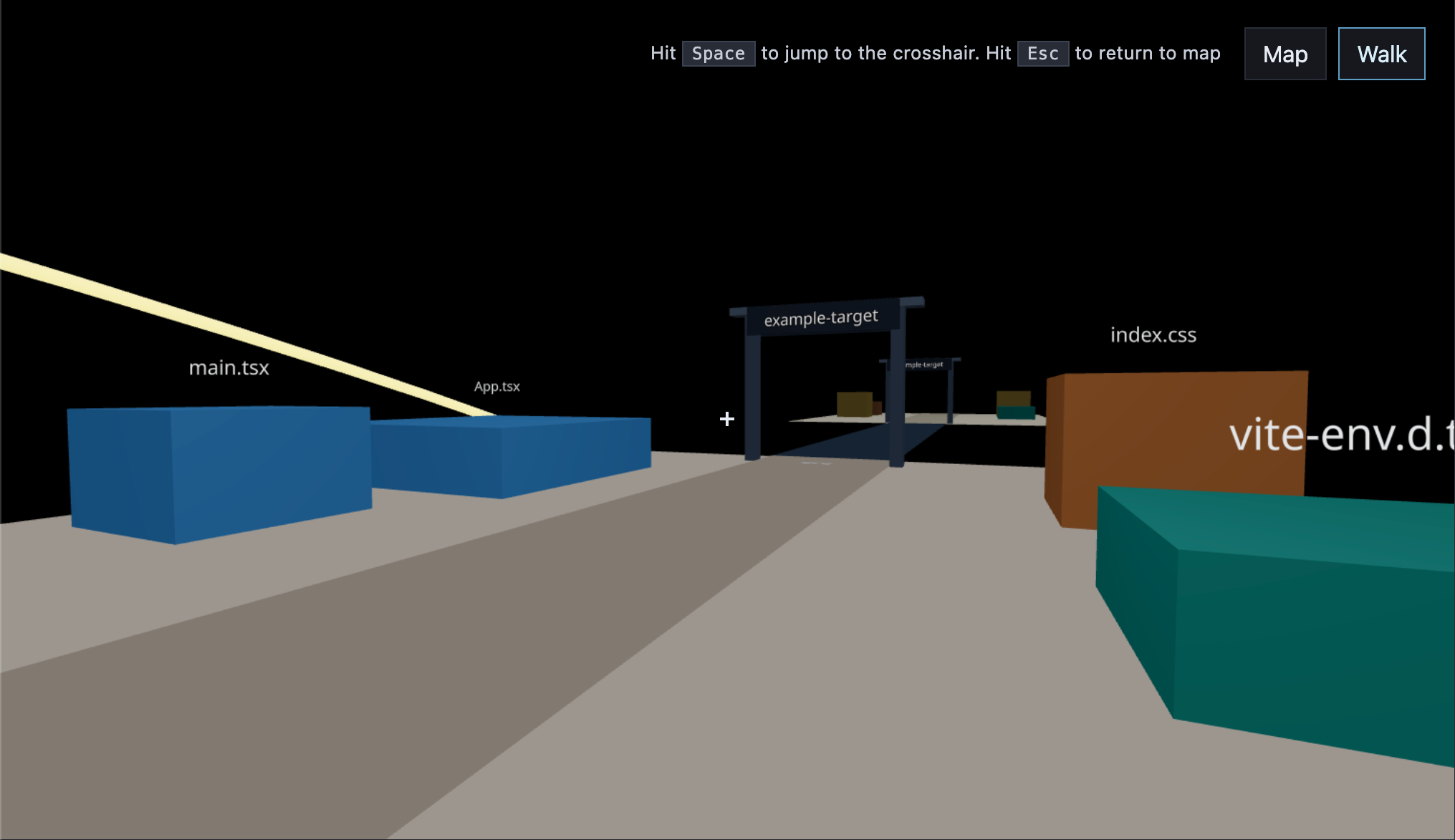
Walk is a first-person view of the same map. Switch with the Map / Walk buttons, or press M. Click the scene to capture the mouse. On the map, option-click where you want to land, or drag the person onto the map.
Controls
| Action | Control |
|---|---|
| Walk | WASD |
| Look | Mouse |
| Sprint | Shift |
| Jump to crosshair | Space |
| Switch to Map | M, Esc |
| Release mouse | Double-click |
| File info | I |
| Imports / imported-by | K |
| Point to a target | Point to |
| Branch changes | G |
| Hidden files | H |